
AB Download Manager
AB Download Manager is a free, open-source download manager for Windows that speeds up downloads, queues them and integrates with web browsers.
Windows
Open source

6.43 Build 10 · Tonec Inc · Page updated
Internet Download Manager (IDM) is a shareware download manager for Windows from Tonec that accelerates, resumes and schedules downloads.
Average 0.0 · ratings: 0
Thank you! Your rating is saved; you can change it. Could not save the rating. Please try again later. Too many ratings from your network today. Please try again tomorrow. The average appears after 5 ratings.
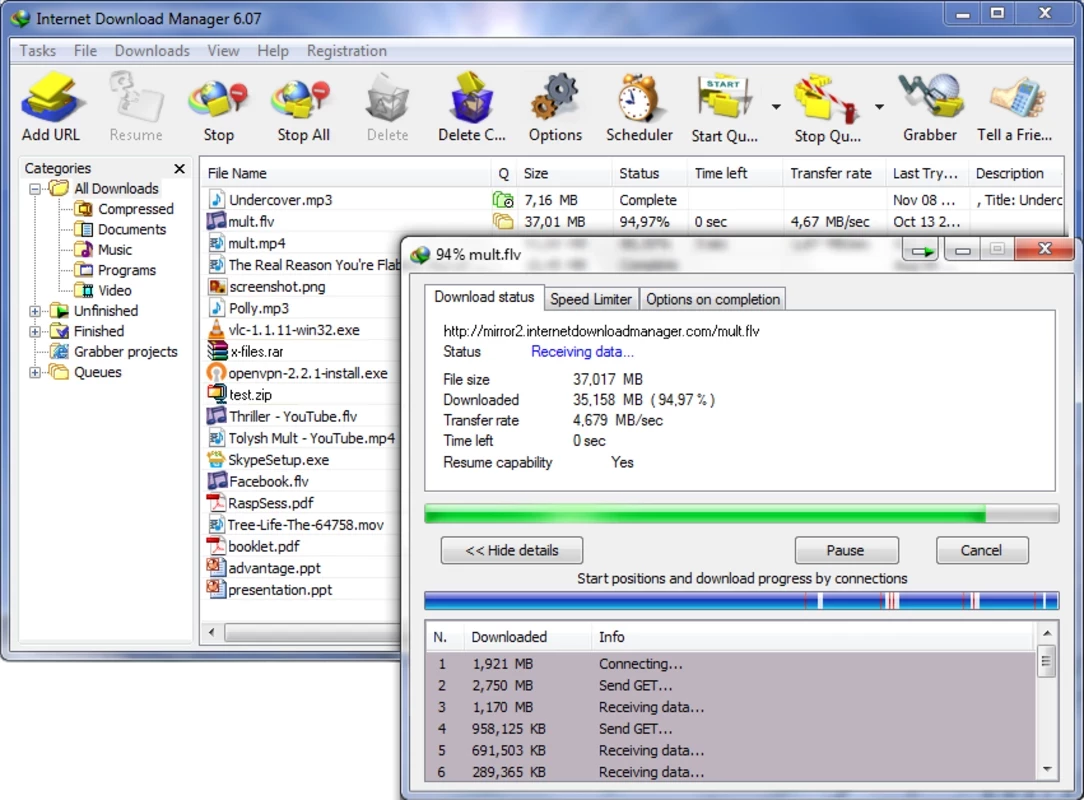
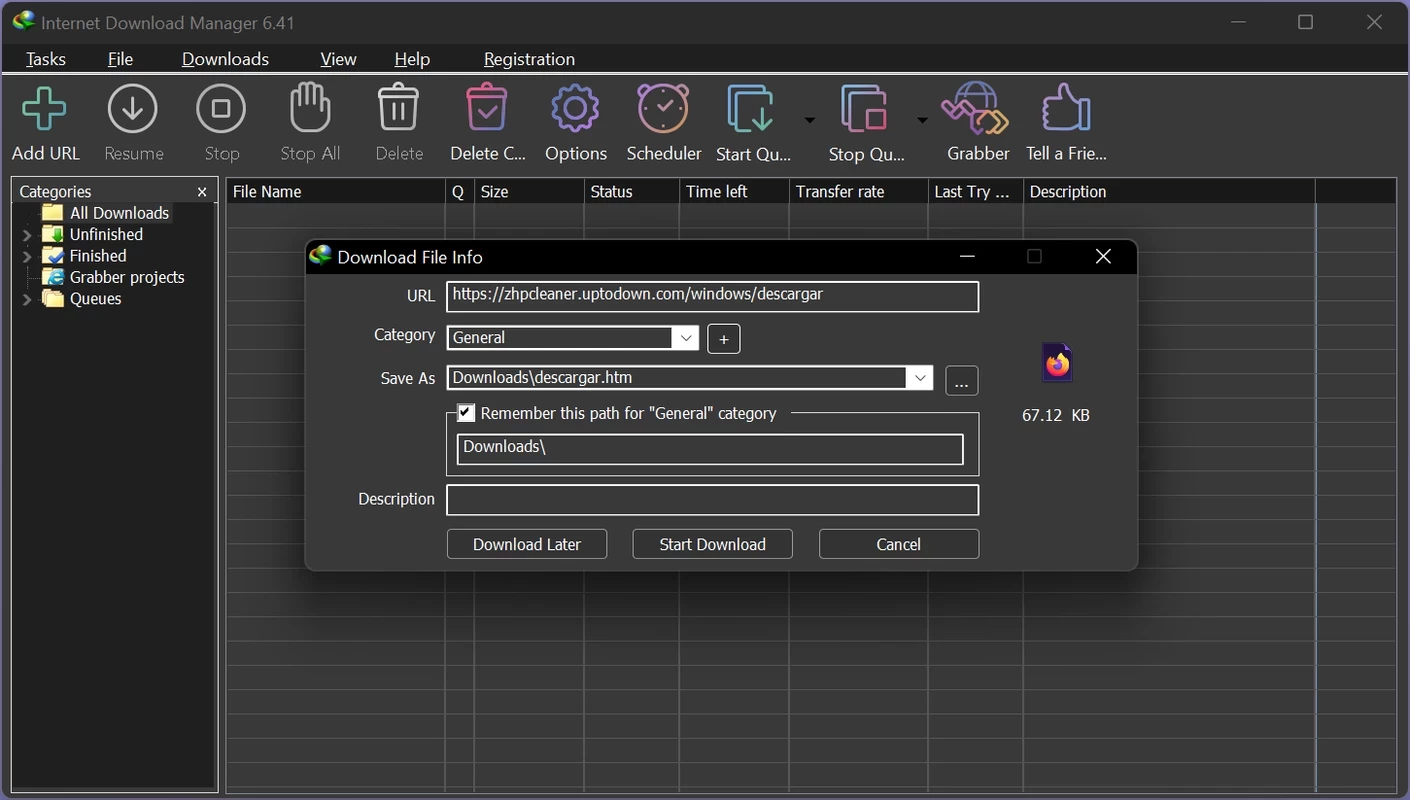
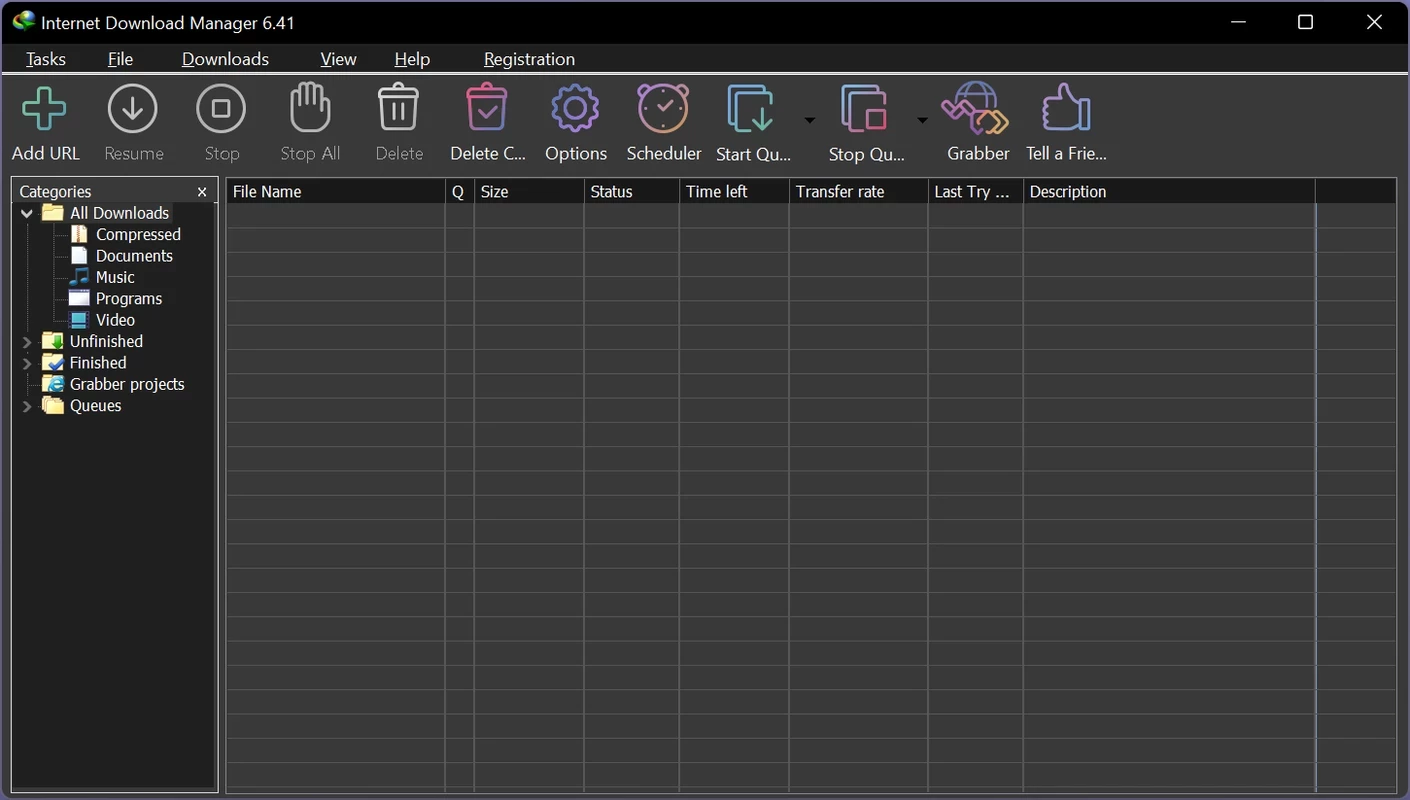
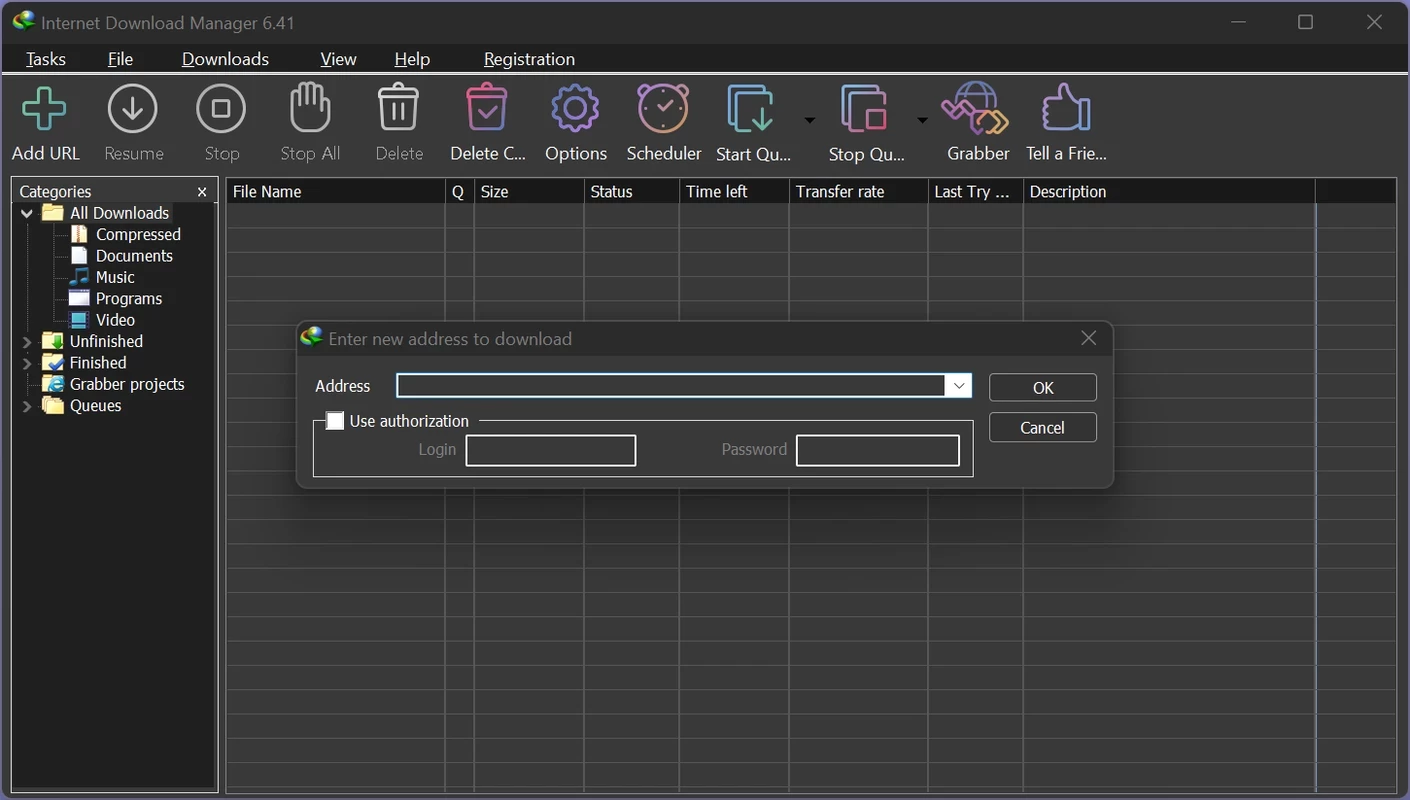
Internet Download Manager 6.43 Build 10 is a download manager for Windows from Tonec Inc, better known as IDM. It splits files into several parts to download them faster, resumes broken downloads and captures video from web pages. You can download Internet Download Manager from the official site and try it before buying a licence.
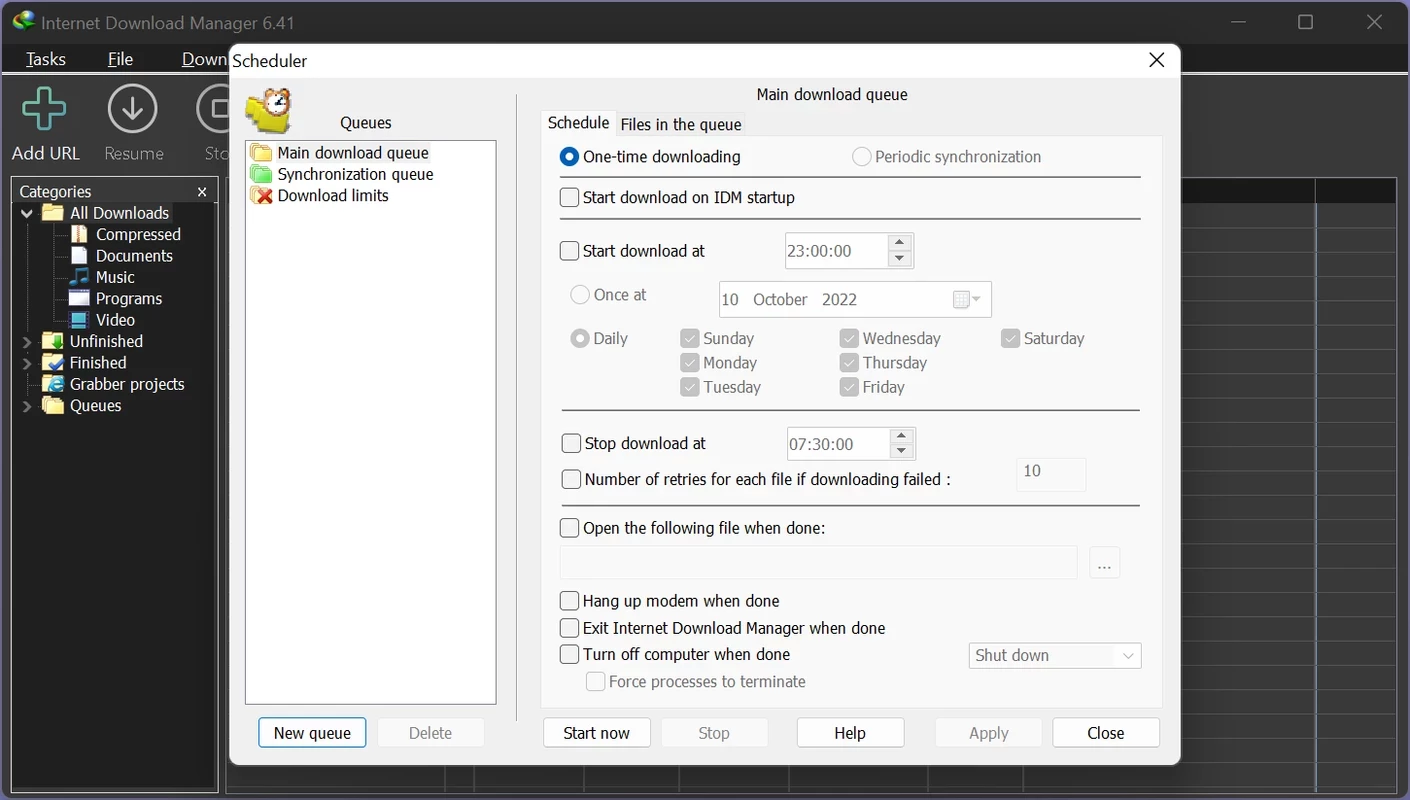
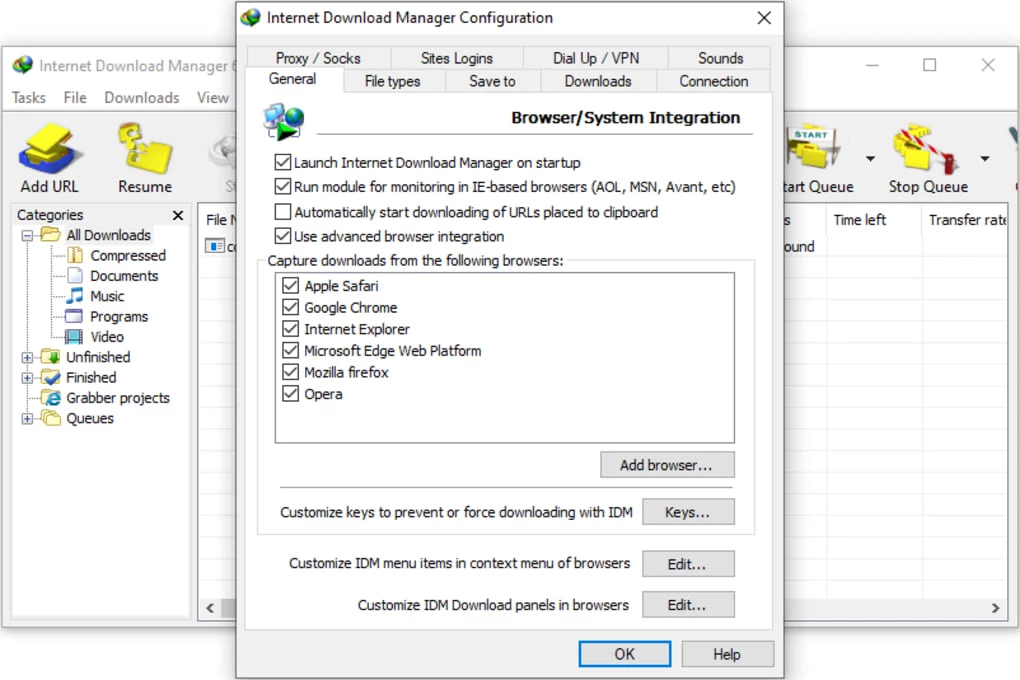
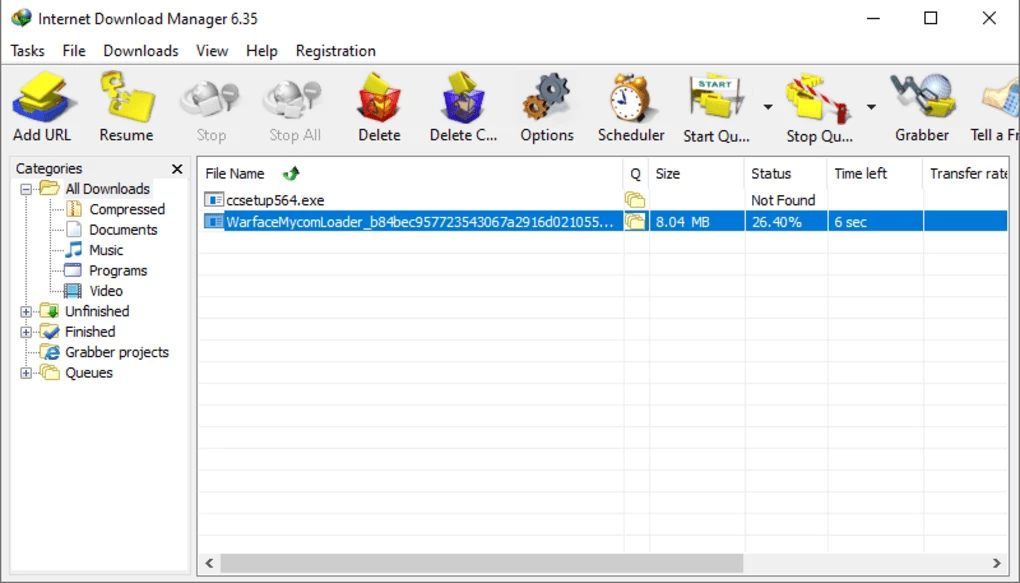
Browsers handle downloads well enough for small files, but they struggle with large ones on an unstable connection: a dropped link can mean starting from scratch. IDM takes over downloads from Chrome, Edge, Firefox and other browsers through an extension and manages them in its own window. It opens several connections to the server at once, each fetching a different part of the file, which often raises speed noticeably on servers that limit a single connection. If the connection drops or the PC restarts, the download continues from where it stopped, provided the server supports resuming. A floating button appears over video players on many sites and offers to download the stream in the available qualities. The scheduler can start queues at night, limit speed during the day, and shut down the computer when everything is done. Downloads are sorted into categories such as programs, music, video and documents, each with its own folder. The interface looks old-fashioned, but it has barely changed for years, which many long-time users see as an advantage.
Tonec lists changes in each build on its news and updates page.
According to the developer's FAQ, the latest version supports Windows 7, Windows 8/8.1, Windows 10 and Windows 11, including 64-bit versions. IDM does not work on Mac or Linux. The installer is about 11.95 MB according to catalogue data.
IDM is one of the programs most often distributed in cracked form, with fake serial numbers and patched files. Such copies regularly carry malware, and IDM itself detects fake serials and blocks them. Download it only from the official site, and scan anything you download with it just as you would with a browser download.
IDM is shareware: a free trial period lets you test all functions, after which you need a paid licence, sold as a one-time purchase for one or more PCs. Prices are on the official site.
Free download managers on our site include Free Download Manager, JDownloader and Xtreme Download Manager (XDM), and Internet Download Accelerator is another option. For video from YouTube and other sites, 4K Video Downloader and yt-dlp are specialised tools.
AB Download Manager is a free, open-source download manager for Windows that speeds up downloads, queues them and integrates with web browsers.

SHAREit is a free Windows app from the SHAREit Team for moving photos, videos and documents between a PC and a phone. The current version is 5.1.0.7.

Zapya for Windows is a free file transfer app from DewMobile for moving files between a PC and phones over a local wireless connection.

Easy Connection to Screen is Samsung's Windows app for showing a PC's screen on a compatible Samsung TV over a wireless connection.

4K Video Downloader Plus is a Windows program from Open Media for saving online videos, playlists and audio for offline use, with a free mode and paid licences.

uTorrent (μTorrent) is a small BitTorrent client for Windows from Rainberry (BitTorrent Inc) for downloading and sharing files over torrents.

AnyDesk is a remote desktop application for connecting to and controlling another computer over the internet, from a small Windows program.

ShareMe is Xiaomi's free app for sending files between devices without a cable; on Windows the Android app runs only inside an emulator.

Xender is a free file sharing app from the Xender File Sharing Team for sending files between phones and computers over a local connection.